🚀 Snapshots: Modernized UI
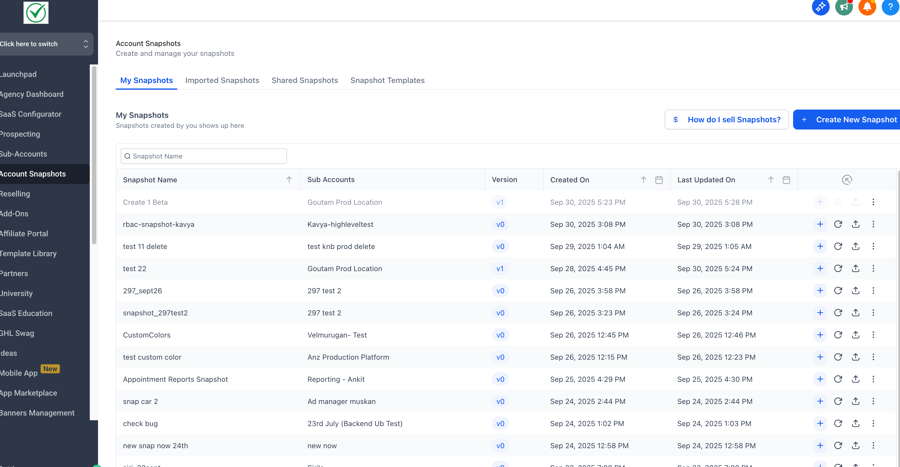
 ✨ The New Design System AdvantageThis migration marks a major step toward a unified platform experience:Consistent Experience:A cohesive look and feel across all snapshot operations — aligned with our latest platform standards.Streamlined Workflows:Logical grouping of actions and improved visual hierarchy simplify data management and accelerate deployment tasks.High-Value Insights:Powerful filtering and search tools transform how you navigate and analyse large volumes of snapshot data.🔍 Why It MattersThis update eliminates UI inconsistencies and delivers a faster, cleaner, and more predictable workspace for all snapshot-related workflows.It represents a foundational step toward a more unified, performant, and user-friendly HighLevel platform.
Last updated